New in Youthumb: Bulk Fetch and ZIP Downloads
We just shipped two features that make thumbnail downloading much faster:
- Download all available thumbnail qualities for a single video as one ZIP file.
- Fetch thumbnails in bulk from a YouTube playlist or channel, then export them as a ZIP.
We also updated the main input so it is smarter. If you paste a single video URL, it opens the single-video page. If you paste a playlist or channel URL, it opens bulk mode automatically.
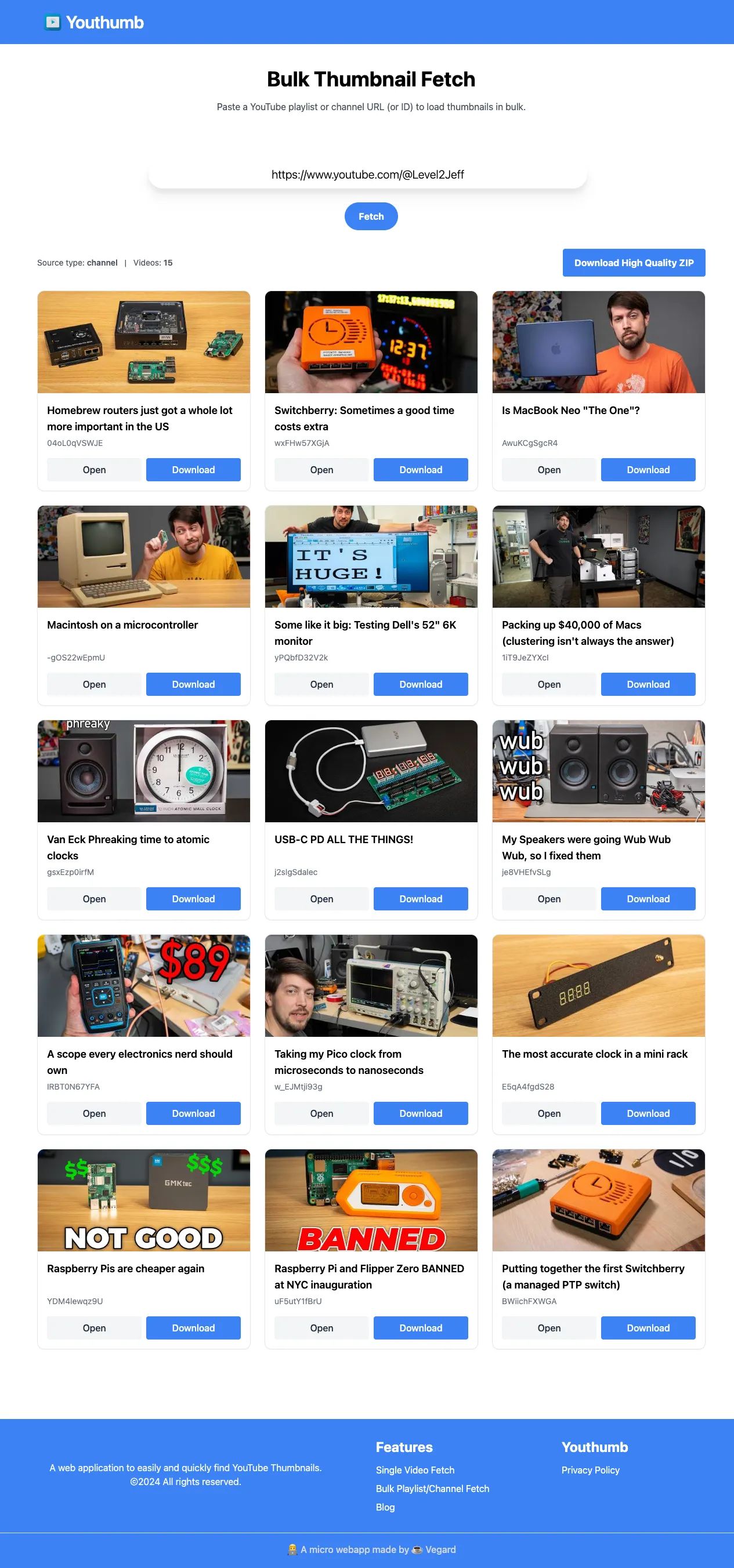
Bulk fetch from a channel
In this example, we used the channel URL for Level2Jeff to test the new flow.
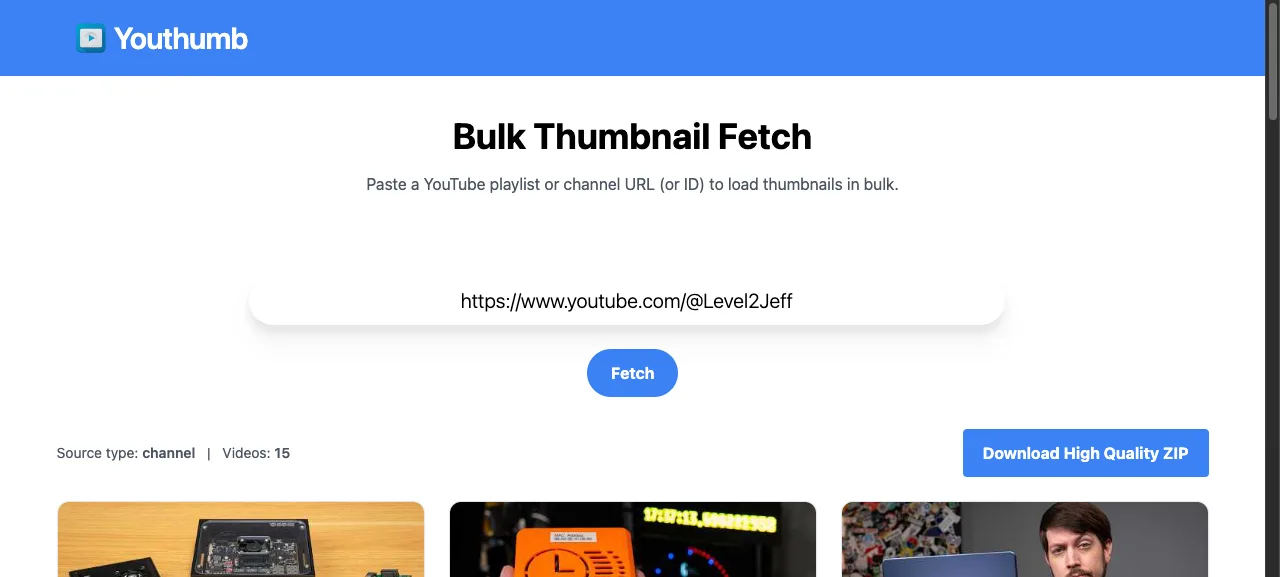
After you paste a channel or playlist URL, Youthumb loads a grid of recent videos and thumbnails. You can:
- open each video in single mode
- download one thumbnail directly
- download all loaded thumbnails as one ZIP
Download all qualities as ZIP for one video
On the single-video page you now get a Download All Qualities (.zip) button. This bundles available qualities (for example maxres, standard, high, medium, default) into one file.
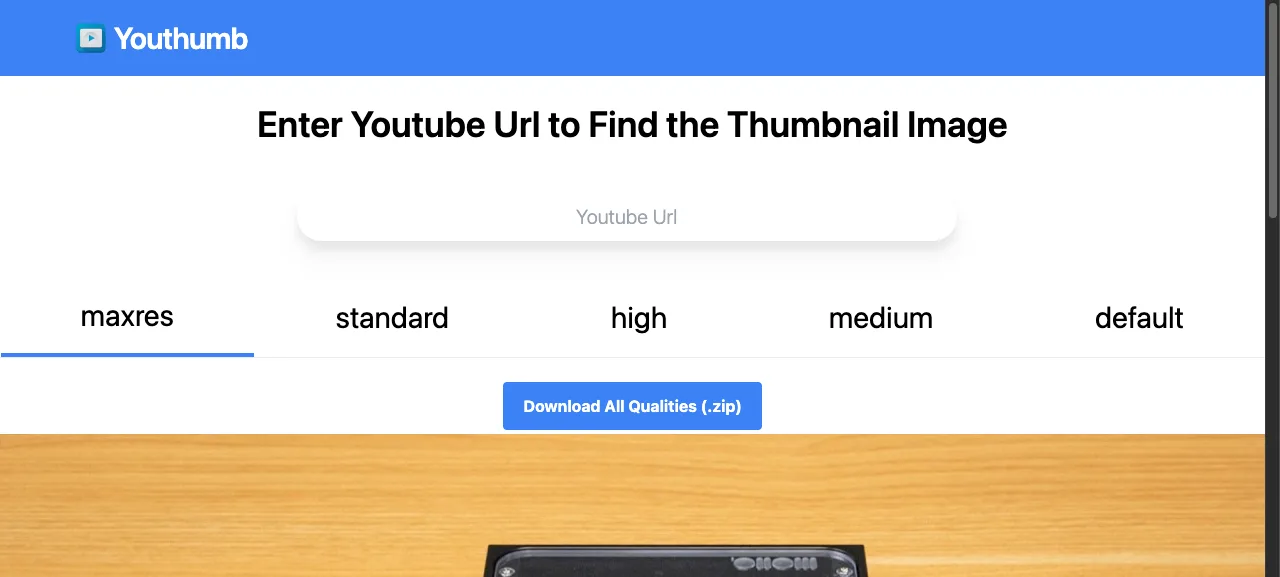
This is useful when you want to compare quality options quickly or save every size for later use.
How to use the new flow
- Open Youthumb
- Paste one of these:
- a single video URL (
watch?v=...,youtu.be/...,shorts/...) - a playlist URL (
...list=...) - a channel URL (
/channel/...,/@handle,/c/...,/user/...)
- a single video URL (
- Let Youthumb route you automatically to single or bulk mode.
- Download what you need as image files or ZIP files.